The concept
GitHub Copilot: an AI assistant from GitHub that works in your code editor and on GitHub.com. It suggests code as you type, answers questions in chat, and can make changes for you.
VS Code (Visual Studio Code): a free code editor from Microsoft, the most common place to use Copilot.
Plan: your subscription. It sets your usage limits and features.
Plans for individuals, per GitHub's docs (USD; check before you buy):
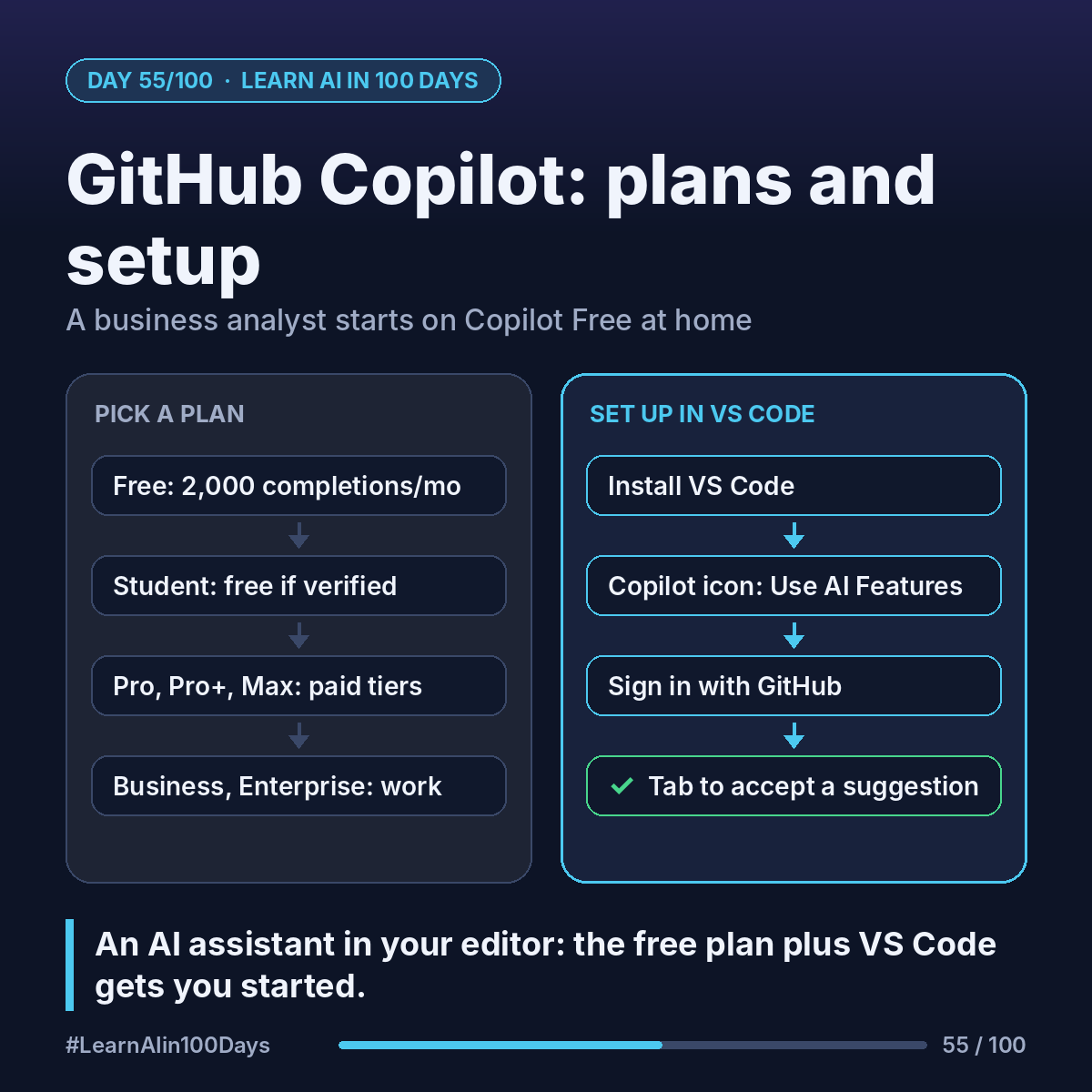
- Copilot Free: $0, up to 2,000 code completions a month plus a small allowance of AI credits.
- Copilot Student: free for verified students.
- Copilot Pro: $10/month, free for teachers and open-source maintainers.
- Copilot Pro+ ($39) and Max ($100): bigger allowances.
- Companies: Copilot Business and Enterprise, run by an admin.
AI credits: the unit GitHub now uses to measure chat and agent usage. Bigger models and longer tasks use more.
Walkthrough: a business analyst sets it up at home
Asha is a BA who wants to understand what her developers mean by "Copilot wrote the first draft."
1. She installs VS Code.
2. She hovers over the Copilot icon in the Status Bar at the bottom and selects Use AI Features.
3. She signs in with GitHub. Her account has no Copilot plan, so this enrolls her in Copilot Free.
4. In a new file, hello.py, she types: # function that converts Celsius to Fahrenheit
5. Faded "ghost text" suggests a function. She presses Tab to accept.
Cost: $0. She now has a feel for the tool her team uses.
Where you see it at work
- Banking and insurance: developers draft code and tests faster; admins set policies on company plans.
- Healthcare: suggestions still pass the team's own code review.
- Retail: quick scripts for reports and data clean-up.
- Product management and BA: asking "what does this code do?" and drafting small prototypes.
At work, use the plan your employer approves. Never paste company code into a personal account.
Try it today (10–15 min)
1. Install VS Code: https://code.visualstudio.com
2. Follow the setup page: https://code.visualstudio.com/docs/setup/copilot
3. Sign in with GitHub to start on Copilot Free.
4. Type a comment describing a small function and press Tab on a suggestion.
5. Compare plans: https://docs.github.com/en/copilot/get-started/plans
In one sentence
GitHub Copilot is an AI assistant in your editor, and the free plan plus VS Code is all you need to start.
Have you tried an AI coding assistant yet, or is this your first time? 👇