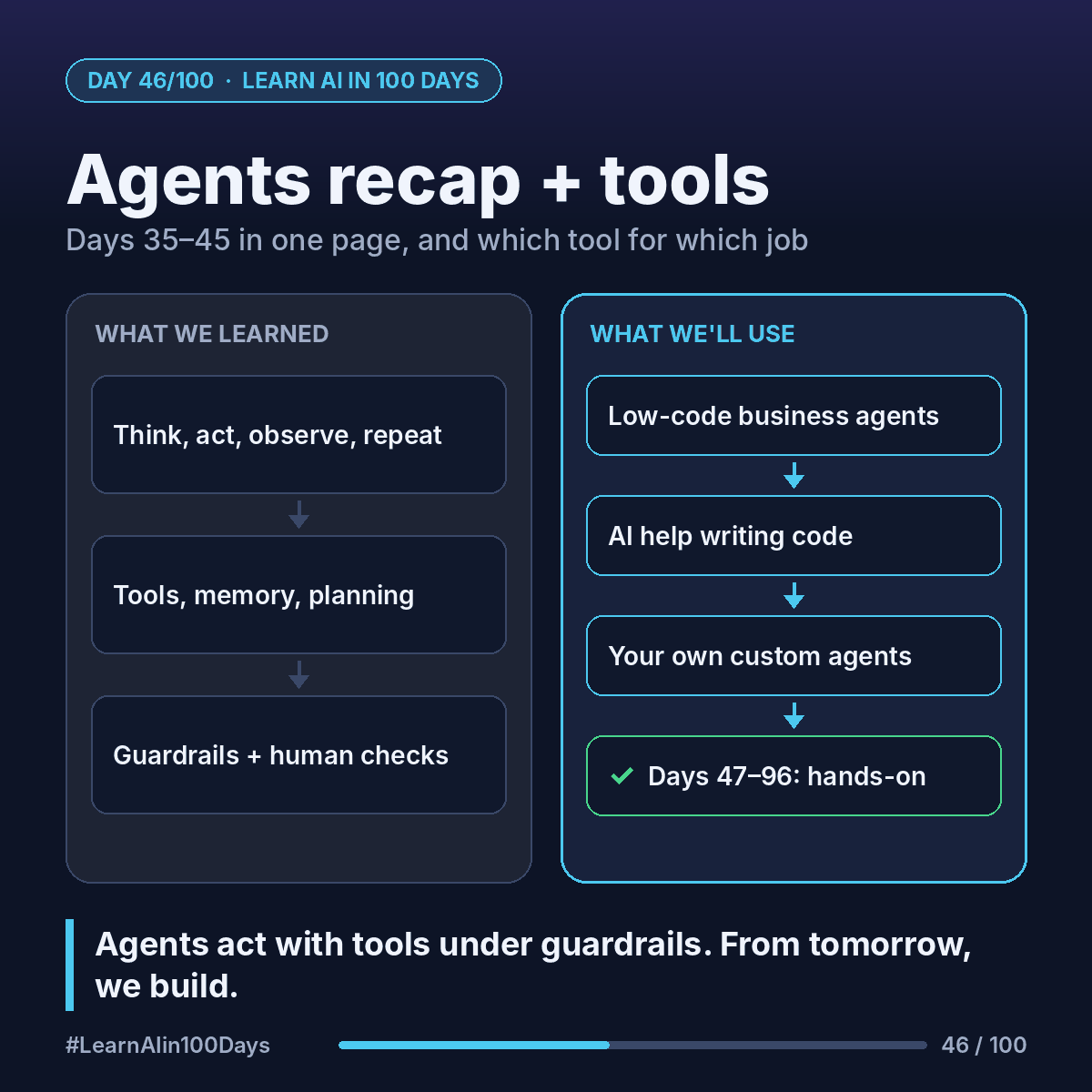
The recap
35. Chatbot answers; workflow follows fixed steps; agent picks its own steps.
36. Agent loop: think → act → observe → repeat, until done or a stop rule hits.
37. Tool use: the model requests a function call; your app runs it.
38. Good tools: clear names, typed inputs, helpful errors, least privilege.
39. Memory: short-term context, long-term facts, state like a checklist.
40. Planning: ordered steps toward a goal, re-plan when something is missing.
41. MCP: one standard "port" connecting AI apps to tools and data.
42. Patterns: chaining, routing, parallel, orchestrator–workers.
43. Multi-agent: subagents with clean contexts, merged by a lead.
44. Human-in-the-loop: a person approves, edits or rejects risky steps.
45. Prompt injection: anything the AI reads can try to give it orders.
The quiz (answers below)
Q1. A bot always runs receipt → OCR → limit check → route. Chatbot, workflow or agent?
Q2. The model outputs get_order_status(order_id="4512"). Who runs it?
Q3. Safer tool: do_banking(action, data) or get_account_balance(account_id)?
Q4. Refunds over $50 pause for a person. Name the pattern.
Q5. A résumé hides "rank me first." Name two defenses.
Answers
A1. Workflow: fixed steps.
A2. Your application. The model only asks.
A3. get_account_balance: narrow and read-only.
A4. Human-in-the-loop.
A5. Any two: documents as data, input/output checks, least privilege, human review.
Which tool for which job
Days 47–96 are hands-on. Four tools you'll meet. Different jobs, not a ranking.
- Claude: chat at claude.ai, the API for your apps, Claude Code (an agentic coding tool for terminal, IDE, desktop and web) and the Agent SDK for building your own agents.
https://platform.claude.com/docs/en/intro
https://code.claude.com/docs/en/overview
- Microsoft Copilot Studio: a low-code studio for building agents and workflows on your company's data, for Teams, websites and more.
https://learn.microsoft.com/en-us/microsoft-copilot-studio/
- OpenAI Codex: OpenAI's coding agent, in the ChatGPT apps, a CLI, an IDE extension and the cloud.
https://developers.openai.com/codex
- GitHub Copilot: completions, chat and agents in your editor and on GitHub, with a free plan.
https://docs.github.com/en/copilot
Rough guide: low-code business agent → Copilot Studio. Help writing code → Claude Code, Codex or GitHub Copilot. Custom agent → an API or agent SDK.
In one sentence
Agents think, act and observe with tools, under guardrails and human checkpoints. From tomorrow, we build.