The concept
Code editor: a word processor for code and project files. VS Code (Visual Studio Code) is a free editor from Microsoft for Windows, macOS and Linux.
Terminal: a text window where you type a command, press Enter, and the computer replies. VS Code has one built in, called the integrated terminal.
Why it matters now: from here on, the AI tools in this series live in the editor and the terminal. Coding agents read your files, run commands and show you what changed (Day 46).
Like texting a very literal assistant: one clear instruction per message, it replies, and typos matter.
Walkthrough: your first terminal session
Goal: make a home for everything you'll build in the next 50 days.
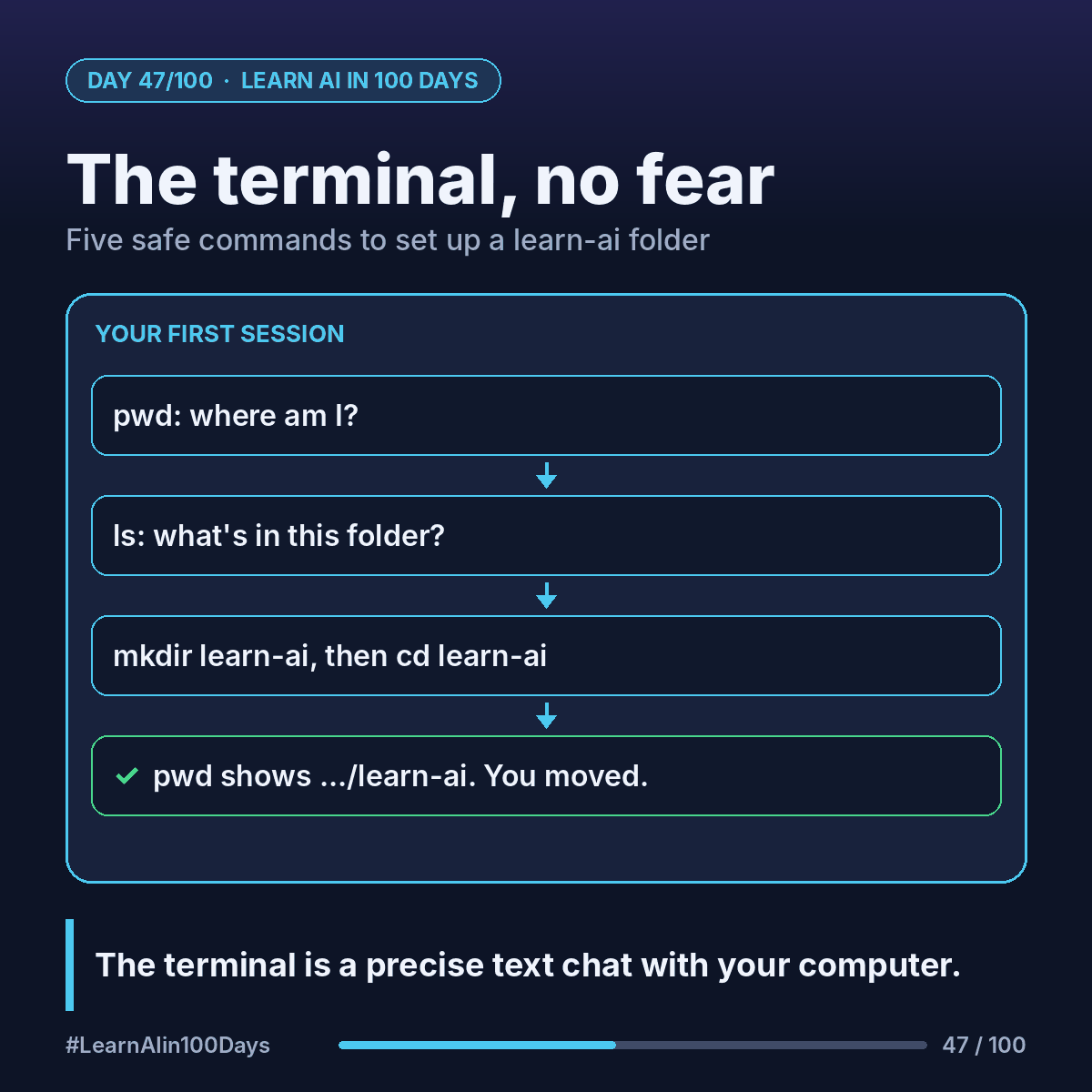
1. pwd ("print working directory"): where am I? It replies with a path, say /Users/priya.
2. ls ("list"): what's in this folder? You'll see Desktop, Documents, Downloads…
3. mkdir learn-ai ("make directory"): creates a folder named learn-ai.
4. cd learn-ai ("change directory"): steps into it.
5. pwd again: now it says /Users/priya/learn-ai. You moved.
That's the whole skill: know where you are, look around, move, create. None of these commands delete anything.
The one to respect: rm (del on Windows) deletes files with no recycle bin. You won't need it this week.
Where you see it at work
- Product owners: running a demo locally or following a README without waiting on a developer.
- Business analysis: opening a large data file in an editor that doesn't choke like a spreadsheet can.
- Banking, insurance, healthcare: company laptops often restrict installs. Ask IT for VS Code early; it saves a week later.
- Pairing with engineers: you'll understand what's on their screen.
Try it today (10–15 min)
1. Download VS Code (free): https://code.visualstudio.com/download
2. Open it, then Terminal > New Terminal (or press Ctrl + backtick).
3. Type the five commands above, pressing Enter after each. On Windows the terminal usually opens PowerShell, where pwd, ls, mkdir and cd also work.
4. File > Open Folder… and pick learn-ai. That's your workspace.
5. Stuck? The official guide: https://code.visualstudio.com/docs/terminal/basics
In one sentence
The terminal is a precise text conversation with your computer, and five safe commands are enough to find your way around and set up your workspace.