The concept
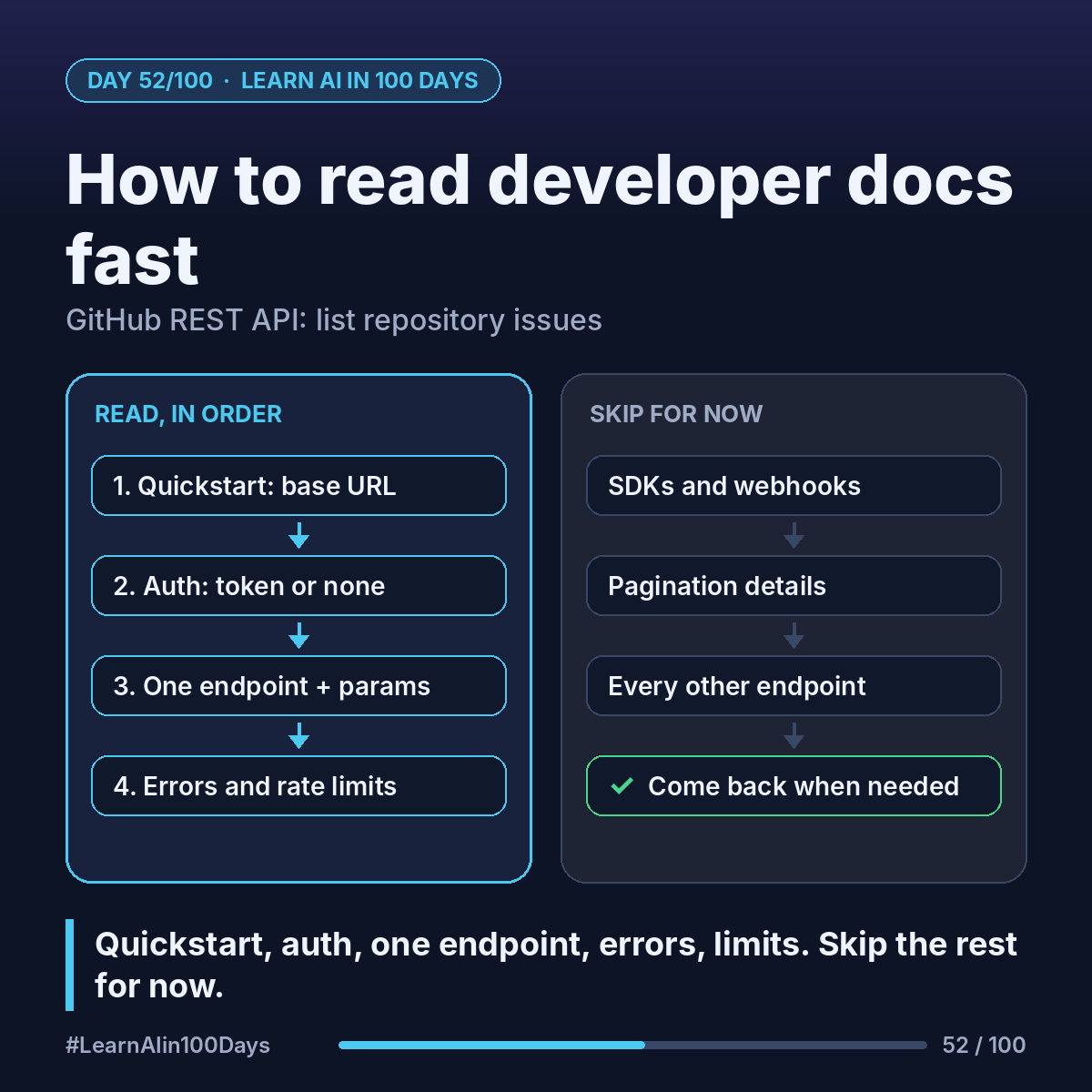
Developer docs: the official manual for an API. Most share one layout:
- Quickstart: the shortest path to one working call.
- Authentication: how you prove who you are (an API key or token, Day 51).
- Reference: every endpoint, its parameters and an example response.
- Errors and rate limits: what failure looks like; how many calls you get.
Endpoint: one specific URL and method that does one job.
Parameter: an option you add to the request, like ?state=open.
Walkthrough: GitHub's REST API, in 10 minutes
Goal: list the open issues in a public repo.
Minutes 1–2, Quickstart (https://docs.github.com/en/rest/quickstart). Skim for the base URL (https://api.github.com) and one example.
Minutes 3–4, Authentication. A token gives higher limits and private data. For a public repo you can start without one.
Minutes 5–7, one endpoint. In the reference, find "List repository issues":
GET /repos/{owner}/{repo}/issues
Read the path, the parameters you need (state = open, closed or all; per_page up to 100) and the example response. A note warns that pull requests come back as issues too, marked by a pull_request key.
Minutes 8–9, errors. 404 means the repo doesn't exist or you can't see it. 422 means validation failed.
Minute 10, rate limits. Without a token: 60 requests per hour. With a personal token: 5,000. The response header x-ratelimit-remaining shows what's left.
Skip for now: SDKs, webhooks, pagination, every other endpoint.
Where you see it at work
- Business analysis: response fields become your field-mapping table.
- Product management: 60 calls an hour won't support a live dashboard; limits shape scope.
- Banking: open-banking docs set the auth and consent flow.
- Insurance: a partner's error list says what the claims screen must handle.
- Healthcare: FHIR docs say which resources and fields a system supports.
Try it today (10–15 min)
1. Open the reference page: https://docs.github.com/en/rest/issues/issues
2. Find "List repository issues" and write down the path and two parameters.
3. In your browser, open GitHub's demo repo: https://api.github.com/repos/octocat/Spoon-Knife/issues?per_page=3 and match keys to the example.
4. Add &state=closed and compare.
5. For a tool you use at work, find its quickstart, auth page and rate limits. Time yourself.
In one sentence
Read docs on a fixed path (quickstart, auth, one endpoint, errors, rate limits) and skip the rest until you need it.