The concept
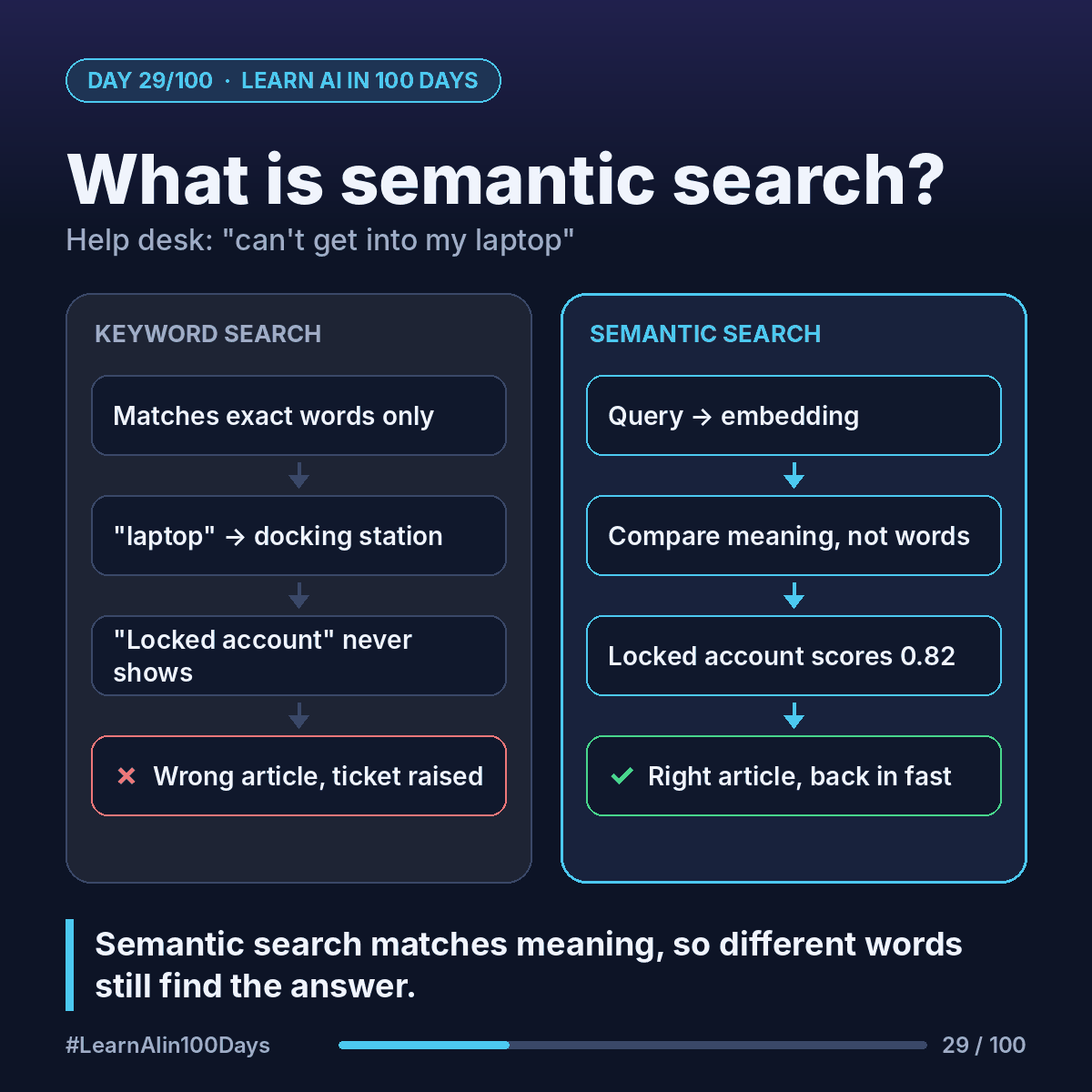
Keyword search: finds documents that contain the same words you typed. Fast and predictable, but literal.
Semantic search: finds documents that mean the same thing, even when the words are different. "Semantic" just means "about meaning".
How it works: it uses embeddings (Day 11). Every article and every query is turned into a list of numbers that captures its meaning. Texts about similar things get similar numbers, so they sit close together. Search becomes "find the articles closest to my question".
Walkthrough: the locked-out employee
Say the IT knowledge base has 3 articles:
A. "Reset a locked account password"
B. "Set up a new laptop docking station"
C. "Request access to a shared drive"
Keyword search for "can't get into my laptop":
- Looks for "can't", "get", "into", "laptop".
- Article B contains "laptop", so it ranks first. Wrong article.
- Article A shares no words. It never shows up.
Semantic search, ahead of time:
- Each article is turned into an embedding and stored.
Semantic search, at query time:
- The question is turned into an embedding too.
- The system measures how close it is to each article. Imagine a similarity score from 0 to 1:
- A (locked account): 0.82
- C (shared drive access): 0.55
- B (docking station): 0.31
- Article A comes first. The employee is back in within minutes, no ticket raised.
It worked because the model learned, from huge amounts of text, that "can't get into" sits close to "locked out" and "access".
It isn't magic. Semantic search can miss exact codes, product names or error numbers like "ERR-4012", where keyword search shines. That's why many teams use hybrid search: both methods together, results merged.
Where you see it at work
- IT and HR: help desks and policy portals that understand plain questions.
- Banking: agents searching procedures with the customer's own words ("my card got eaten by the ATM").
- Insurance: finding similar past claims, even when described differently.
- Retail: "warm jacket for rainy hikes" finds a waterproof insulated shell.
- Business analysis: spotting duplicate requirements or tickets written in different words.
In one sentence
Semantic search compares meanings as embeddings, so it finds the right answer even when the user's words don't match the document's.